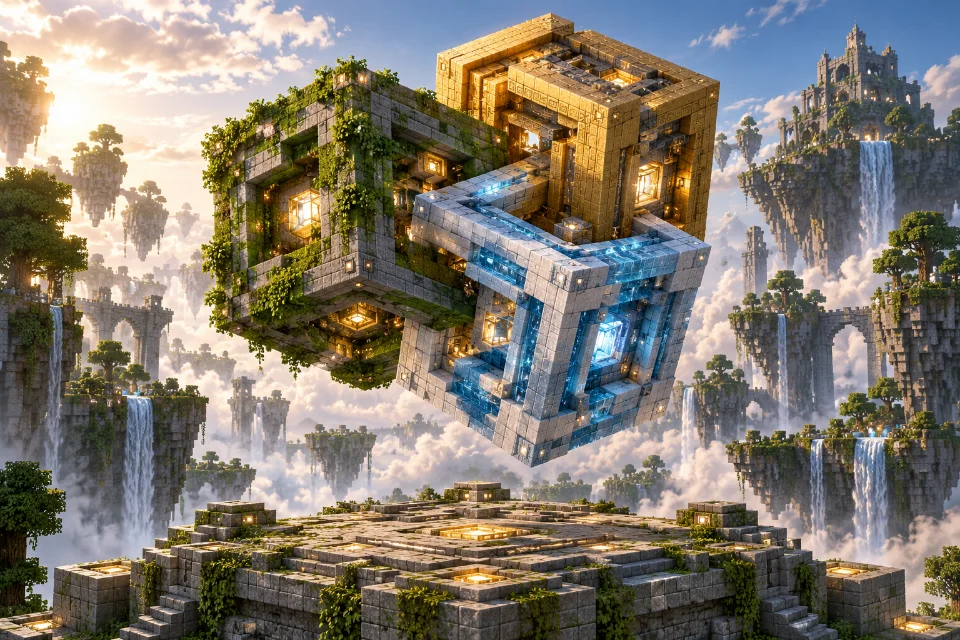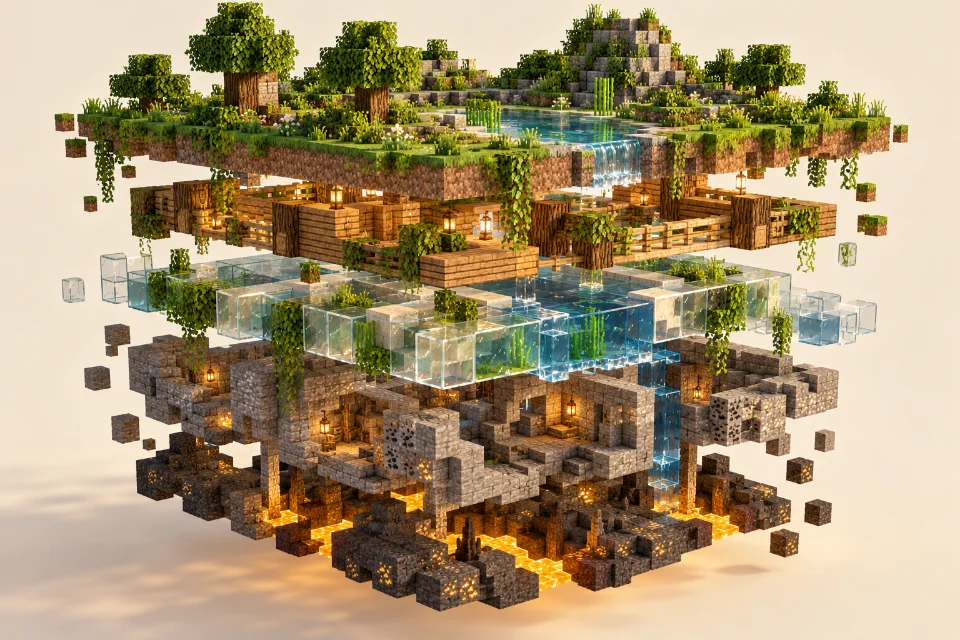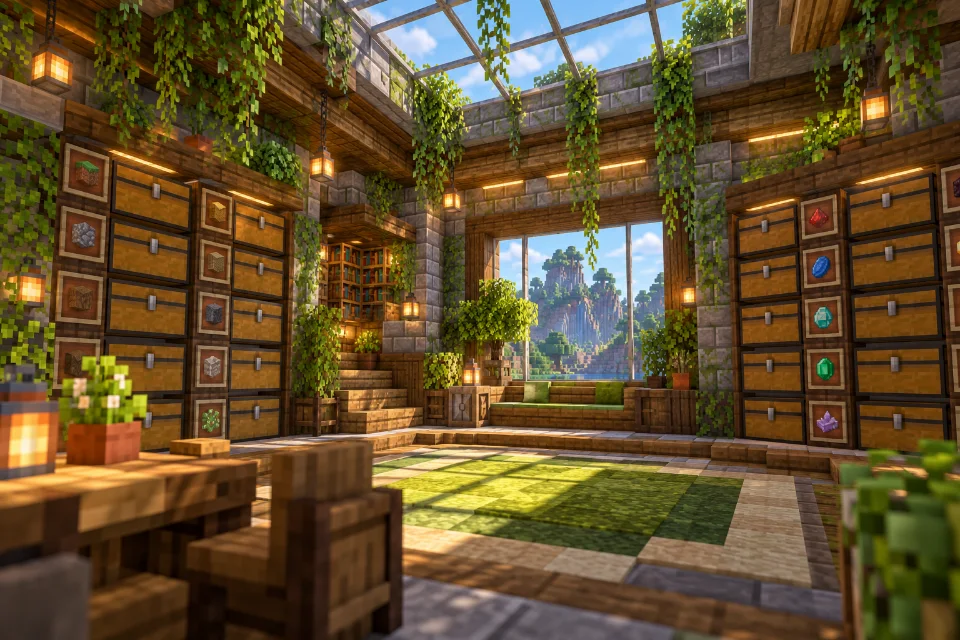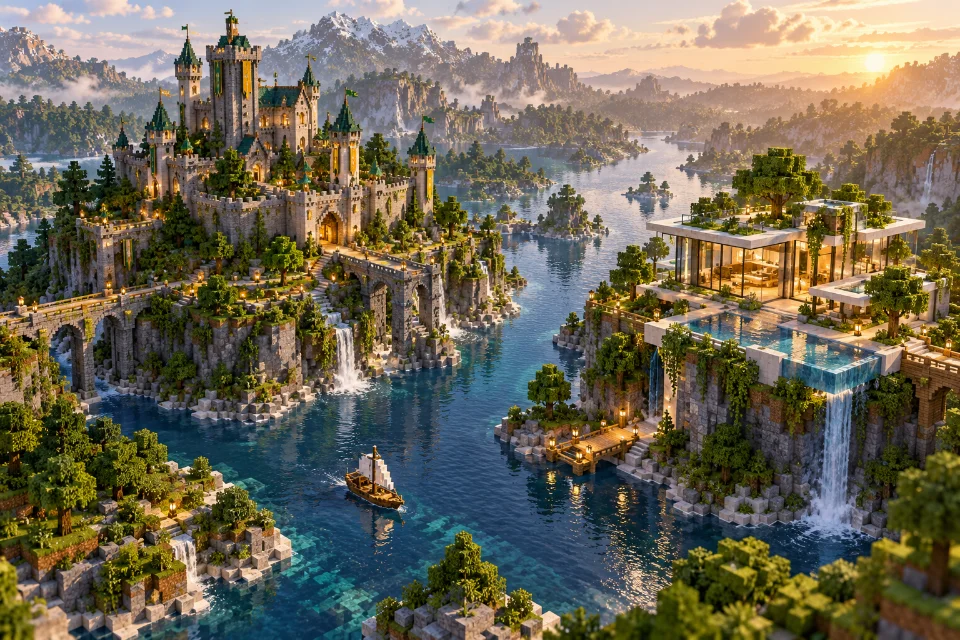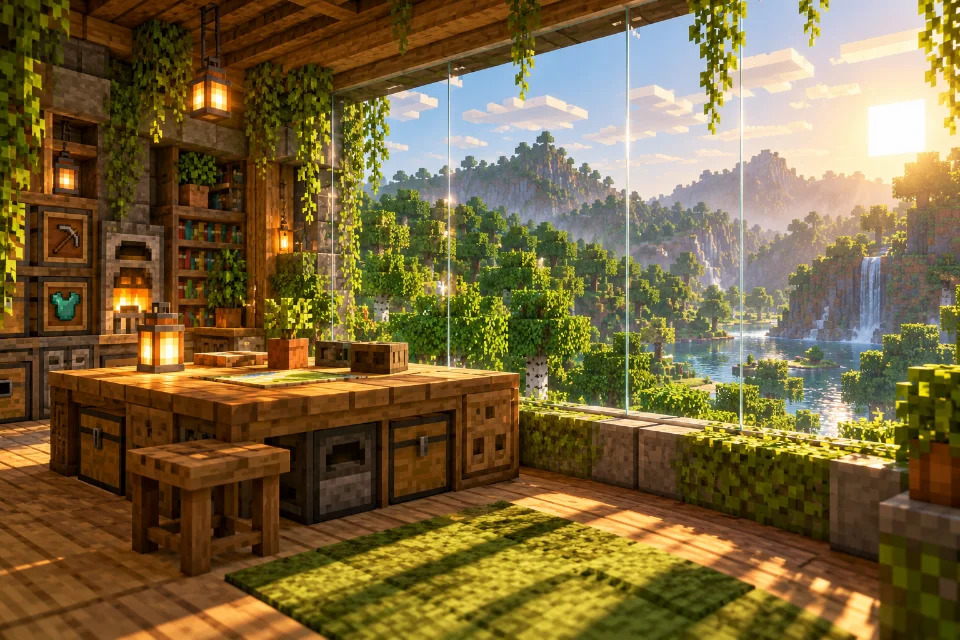
Continuity Mod
The Continuity journal

Guides & blogs

All 12 guides in one place. Explore setup instructions, texture tips, troubleshooting and ideas for your next build.

Installation

How to install Continuity Mod

Choose your Minecraft version before downloading files. Create a separate launcher profile and run it once before installing mods. Keep your existing setup available so that testing a new installation does not interrupt your normal game.

Read guide →

Building

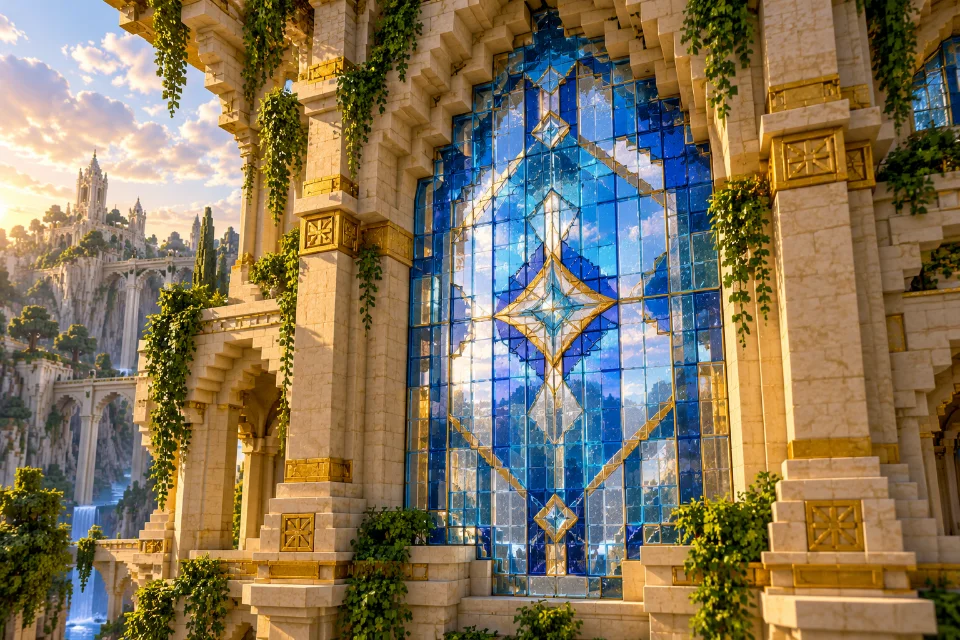
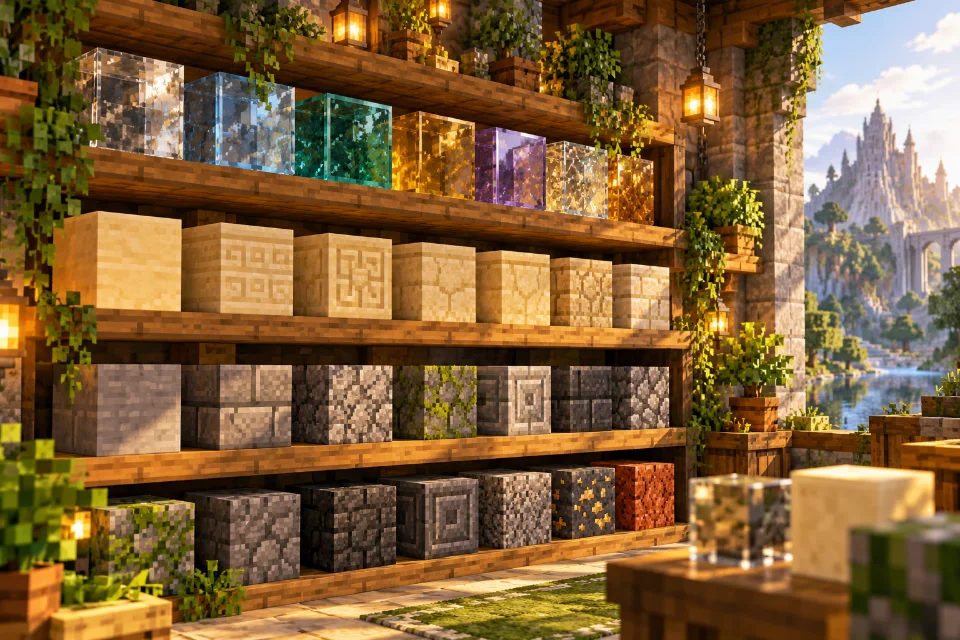
How connected glass changes your builds

Design a large window around a river, garden or mountain ridge. Sketch the opening before choosing the wall materials. Keep its central view clear and let the surrounding structure provide the outline. A modest window placed carefully often works better than making every surface transparent.

Read guide →
Resource packs

Using connected-texture resource packs

Check the supported game version and the features the pack actually supplies. A texture replacement and a connected-texture definition are different things. Choose a pack whose instructions explicitly describe the effect you want, and keep a record of its required supporting mods.

Read guide →
Troubleshooting

Glass not connecting? A troubleshooting guide

Confirm that the profile you started is the one containing your mod files. A mod in a different game directory cannot affect this session. Resolve any loader error or missing dependency message before changing resource pack settings.

Read guide →
Setup

Understanding Fabric and mod dependencies

Fabric Loader starts a Fabric modded game. Fabric API is a separate collection of shared functionality used by mods. Having the loader installed does not automatically mean every required library is present. Check the selected mod release rather than assuming the profile is complete.

Read guide →
Compatibility

Continuity and Sodium: checking compatibility

Read the dependency lists and release notes for the Continuity and Sodium versions you intend to use. Compatibility guidance can differ across game generations. Advice from an older modpack is useful context, but should not replace checking the files in your own profile.

Read guide →
Textures

A beginner guide to emissive textures

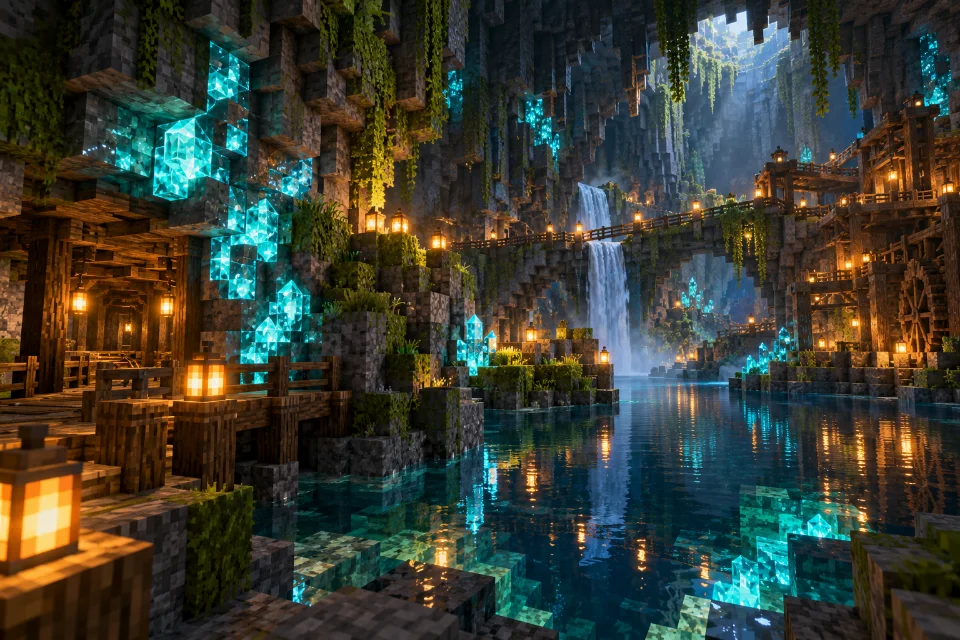
An emissive detail can remain visually bright in dark surroundings. That appearance does not by itself mean it casts light onto nearby blocks. Keep decorative glow separate from practical room lighting when planning a cave, sign or underground build.

Read guide →
Inspiration

Five build ideas for connected glass

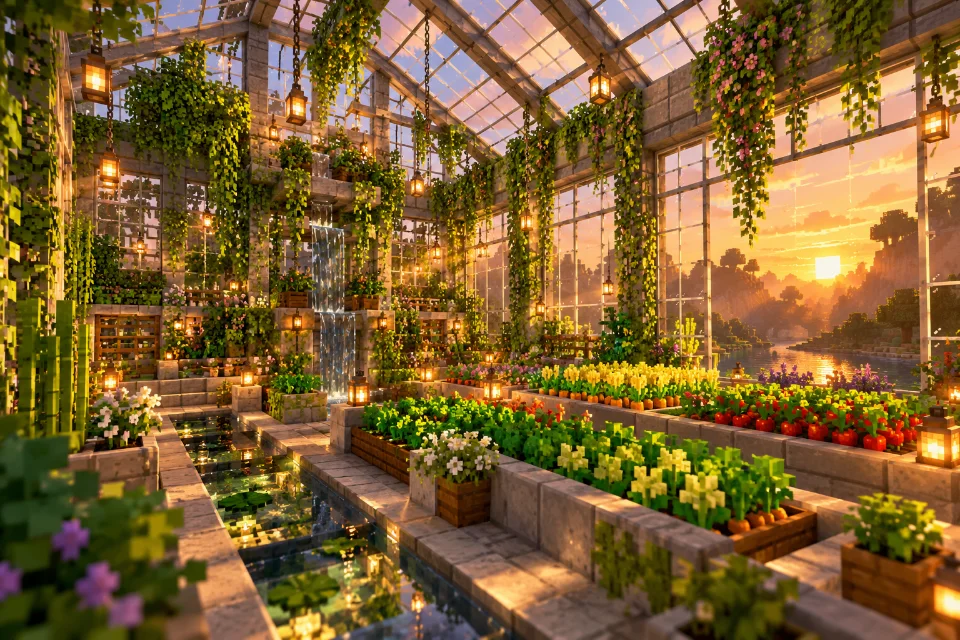
Build a greenhouse with a sloped glass roof, timber beams and planting beds. Leave paths between the beds so the interior feels usable. For a second project, create a glazed corridor around an open courtyard and let plants break up its long sightlines.

Read guide →
Resource packs

Getting resource pack order right

Two packs can both change glass or another common material. Read their descriptions and identify overlaps before rearranging the list. A pack with connected-texture rules may need different setup from a general texture replacement, so preserve any author-provided instructions.

Read guide →
Maintenance

How to update your mod setup carefully

Duplicate the game profile or back up its important files before updating. Keep world backups outside the active save directory. Record the old game version, loader and mod list so that you can reconstruct the exact combination that worked.

Read guide →
Edition guide

Java and Bedrock: understanding mod differences

Check which edition you are launching before choosing installation instructions. Java Edition and Bedrock Edition have different customization systems. A Java mod file is not a universal Minecraft add-on, even when a download for another platform has a similar name.

Read guide →
Explainer

How connected textures work

A connected-texture effect chooses an appearance that suits surrounding matching surfaces. Picture a tiled window whose inner borders disappear while its outside outline stays visible. The important design result is that a repeated material can read as one larger surface.

Read guide →